Revamping the WeavePay registration
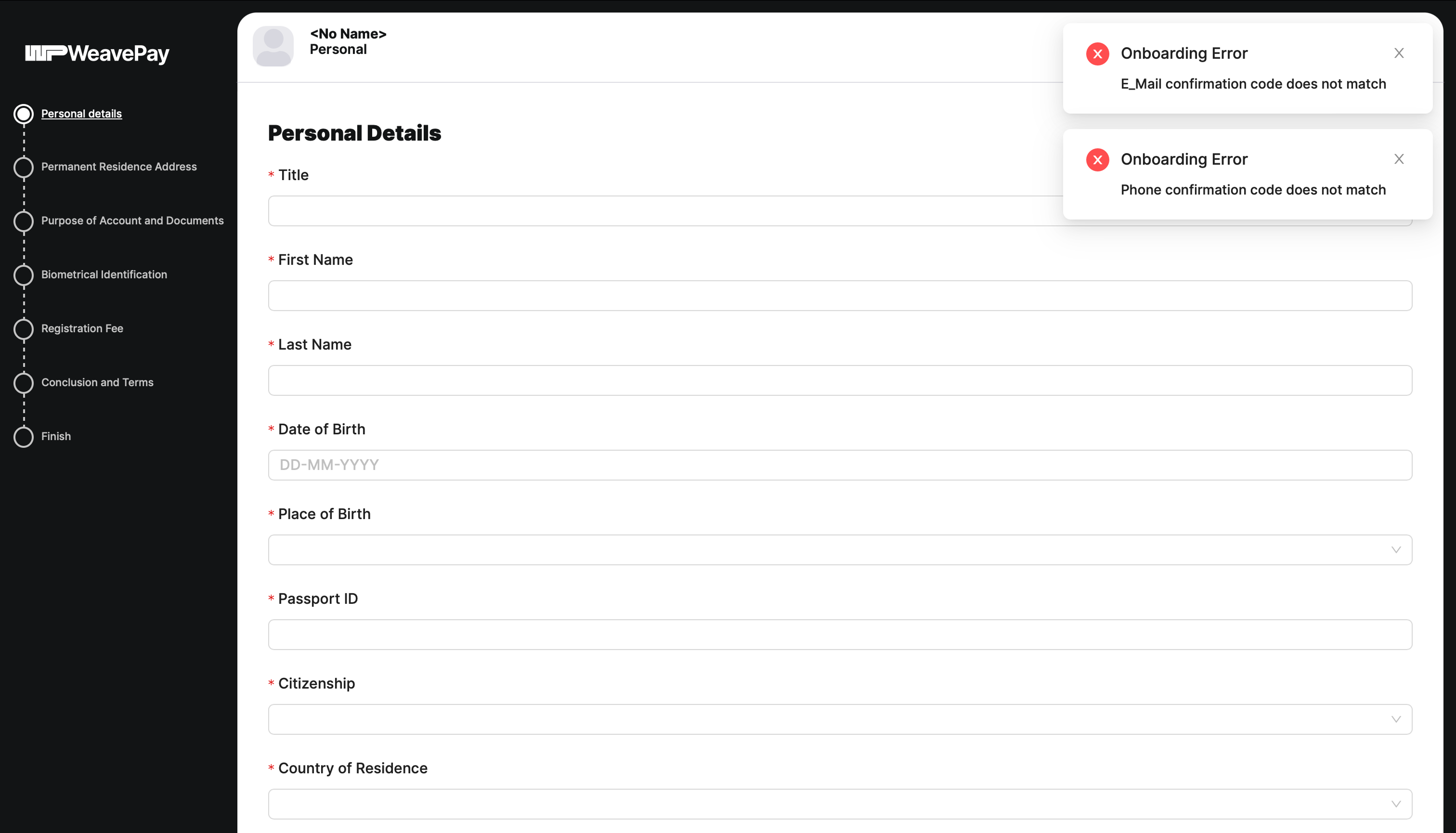
Problem: clients abandoned registration or only came back to continue it several days later. The company’s managers had to call clients and explain how to finish the process. Users complained that the registration process was complicated and inconvenient.
Hypothesis: some of the requested data is redundant and can be obtained automatically without the user’s involvement, or requested after registration.
Research: I listed all the data fields that the old process requested and grouped them into categories by meaning. It turned out that similar data was requested at different points of the user journey (sometimes more than once), which caused extra shifts of focus and increased cognitive load.
Solution: rethink the registration process and build a logical information architecture.
Result: registration became faster, user satisfaction increased and the load on the support team decreased.
Side effect: the registration flow became the testing ground for a responsive mobile design (previously the entire interface worked only on desktop).
Extra bonus: the company tested new technologies, as I proposed using automatically recognised data and moving the process to the new version of Sumsub.
Personal account. Data collected during onboarding:
- Account type (Personal or Business)
- Phone number
- Country code (from phone number)
- Password (hash)
- Human confirmation (reCAPTCHA)
- SMS confirmation code
- Email confirmation code
- Title (Mr., Mrs., etc.)
- First name
- Last name
- Date of birth
- Place of Birth (country)
- Passport ID (number)
- Citizenship (country)
- Country of residence
- Permanent address of residence
- City
- Zip code
- Country
- Contact address (same as permanent?)
- US citizenship
- Politically exposed person (yes or no)
- Occupation
- Source of income (11 options)
- Purpose of account opening (6 options)
- Type of future transactions (5 options)
- Monthly turnover income
- Monthly turnover outgoing payments
- № of incoming payments per month
- № of outgoing payments per month
- Passport or ID card (photo)
- Proof of address (photo)
- US residence (yes or no)
- Document type (Passport or ID card)
- Passport or ID card (photo)
- Access to the camera
- Selfie
- Cardholder name
- Card number
- Expiry date
- CVC
- Accept terms & conditions
- Email (login)
- Password (hash)
Business account. Data collected during onboarding:
- Account type (Personal or Business)
- Phone number
- Country code (from phone number)
- Password (hash)
- Human confirmation (reCAPTCHA)
- SMS confirmation code
- Email confirmation code
- Title (Mr., Mrs., etc.)
- First name
- Last name
- Date of birth
- Place of Birth
- Citizenship (country)
- Country of residence
- Position in company
- Permanent address of residence
- City
- Zip code
- Country
- Contact address (same as permanent residence address?)
- US citizenship
- Politically exposed person (yes or no)
- Passport ID (number)
- Occupation
- Passport or ID card (photo)
- Proof of address (photo)
- Company name
- Company type (private ltd, public, etc.)
- Company registration number
- Country of incorporation
- Company phone
- Company email
- Company website
- Company address of registration
- City
- Zip code
- Country
- Company business address (same as registered address?)
- Company contact address (same as business address?)
- № 2–27 (except № 5–8)
- Business industry
- Business description
- Require licensing? (yes or no)
- Source of income (6 options)
- Purpose of account opening (6 options)
- Type of future outgoing transfers (7 opt.)
- Monthly turnover income
- Monthly turnover outgoing payments
- № of incoming payments per month
- № of outgoing payments per month
- Partners name
- Partners country
- Partners website
- List of countries to operate with
- Certificate of Incorporation (photo)
- Memorandum of Association and Articles (photo)
- Directors Register (photo)
- Shareholders Register (photo)
- Power of Attorney to Open an Account (photo)
- Financial Statements or a Business Plan (photo)
- Other (photo)
- Company name
- Country
- Certificate of Incorporation (photo)
- Passport or ID card of the company’s owners (photo)
- Director’s first name
- Director’s last name
- Director’s date of birth
- Director’s email
- Director’s phone number
- US residence (yes or no)
- Document type (Passport or ID card)
- Passport or ID card (photo)
- Access to the camera
- Selfie
- Cardholder name
- Card number
- Expiry date
- CVC
- Accept terms & conditions
- Email (login)
- Password (hash)
Making a user enter their details 83 times just to sign up is simply too much!
I have reduced the volume of data requested by 38%
To help me understand how to optimise the data entries, I’ve colour-coded them. Identical and similar data entries are shown in the same colour. They’re scattered throughout the registration process and can be grouped together, and the duplicates can then be removed.
I also identified 4 types of users and worked out how to optimise the database fields: for example, a person’s name and a company name could be stored in the same field, with only the user type differing. This helped to standardise many of the processes.
The results are shown in the table below. Data that can be automatically recognised in scans and photos is marked in yellow. That is why I initiated the switch to the new version of SumSub and the retrieval of data from there.
Structured data
| Director and owners | Individual | Company | Partner | |
|---|---|---|---|---|
| Title (mr., mrs., etc.) | Title (mr., mrs., etc.) – Unnecessary | Type (private ltd, public ltd, etc.) | ||
| First and last names | First and last names | Name | Name | |
| Website | Website | |||
| Phone number | Personal phone number | Company phone number | ||
| SMS confirmation code | SMS confirmation code | |||
| Personal email | Personal email | Company email | ||
| Email confirmation code | Email confirmation code | |||
| Set password for account | Set password for account | |||
| Password confirmation | Password confirmation | |||
| Date of birth | Date of birth | |||
| Country of birth | Country of birth | |||
| Politically exposed? | Country for politically exposed person | |||
| Country of citizenship | Country of citizenship (more than one?) | Country of incorporation (more than one?) | Country (of what?) | |
| Country of residence | Country of residence (more than one?) | Registered country (same as incorporation?) | ||
| ZIP code | ZIP code (more than one?) | ZIP code (more than one?) | ||
| City | City (why not detect a city by ZIP code?) | City (why not detect a city by ZIP code?) | ||
| Residence address | Permanent residence address | Registered address | ||
| Business address | ||||
| Contact address | Contact address | Contact address | ||
| Passport ID | Passport ID | Company registration number – access to UK company’s data | ||
| Position in company | Occupation | |||
| Business industry | ||||
| Purpose of account opening | Business description | |||
| Require licensing? | ||||
| Source of income | Source of income | |||
| Type of future transactions (outgoing?) | Type of future outgoing transfers | |||
| Monthly turnover incoming payments | Monthly turnover incoming payments | |||
| Number of incoming payments per month | Number of incoming payments per month | |||
| Monthly turnover outgoing payments | Monthly turnover outgoing payments | |||
| Number of outgoing payments per month | Number of outgoing payments per month | |||
| Passport or ID photo | Passport or ID card photo | Certificate of Incorporation photo | ||
| Address photo | Proof of address photo | Memorandum of Association & Articles photo | ||
| Power of Attorney to Open an Account photo – not for owner (director, CEO, UBO) | ||||
| Financial Statements or a Business Plan photo | ||||
| Other photo | ||||
| Human verification (selfie, reCAPTCHA) | ||||
| Cardholder name | ||||
| Card number | ||||
| Expiry date | ||||
| CVC | ||||
| Accept terms & conditions |
Data we can automatically recognise from scans and photos
Optimising the user journey
After several iterations, I settled on a flowchart that concisely illustrated the registration process in full detail. What follows is not directly related to information architecture (it is covered in other sections of my portfolio). I will simply show a couple of screenshots as examples of what the registration process looked like after my complete redesign.

To conclude, I would like to present the final list of data requested from the user. Some of these are pre-filled, whilst others are collected automatically and aren’t even displayed on the interface.
38% less data entry for personal account:
- Accept terms & conditions
- Email confirmation code
- Password (hash)
- Password confirmation
- Account type (Personal or Business)
- Reasons for opening an account (6 options)
- Average number of monthly payments
- Average amount of incoming payments
- Major sources of incoming funds (11 options)
- Average number of outgoing payments
- Average amount of outgoing payments
- Type of future outgoing transfers (5 options)
- Passport or ID card (photo)
- Access to the camera
- Selfie
- Proof of address (photo)
- First name
- Last name
- Country code (from phone number)
- Phone number
- Occupation
- Country of citizenship
- Passport ID (number)
- Country of Birth
- Date of birth
- Politically exposed person (yes/no)
- Politically exposed country
- ZIP code of residence
- City of residence
- Postal address of residence
- Mailing address (same as permanent?)
- Cardholder name
- Card number
- Expiry date
- CVC
- Email (login) to access the Dashboard
- Password (hash) to access the Dashboard
Auto-filled
Auto-detected, not displayed in the interface: US citizenship (yes/no), US residence (yes/no), Country of residence.
41% less data entry for business account:
- Accept terms & conditions
- Email confirmation code
- Password (hash)
- Password confirmation
- Account type (Personal or Business)
- Country of incorporation
- Company registration number
- Company name
- Company type (private ltd, public, etc.)
- Business industry
- Business description
- Require licensing? (yes or no)
- Countries where you do business
- Partner’s company name
- Partner’s website
- Partner’s country
- Company website
- Business email
- Business phone
- Company registered ZIP code
- Company registered city
- Company registered address
- Company business address (same as registered address?)
- Mailing address (checkbox)
- Certificate of Incorporation (photo)
- Memorandum of Association and Articles (photo)
- Financial Statements or a Business Plan (photo)
- Any other document (photo)
- Reasons for opening an account (6 options)
- Average number of monthly payments
- Average amount of incoming payments
- Major sources of incoming funds (6 options)
- Average number of outgoing payments
- Average amount of outgoing payments
- Type of future outgoing transfers (7 options)
- Passport or ID card (photo)
- Access to the camera
- Selfie
- Proof of address (photo)
- First name
- Last name
- Country code (from phone number)
- Personal email
- Personal phone number
- Position in company
- Power of Attorney to Open an Account (photo), if not an owner
- Percentage ownership
- Number of shareholders who own >25%
- Shareholder’s emails
- Country of citizenship
- Passport ID (number)
- Country of Birth
- Date of birth
- Politically exposed person (yes/no)
- Politically exposed country
- ZIP code of residence
- City of residence
- Postal address of residence
- Mailing address (same as permanent?)
- Cardholder name
- Card number
- Expiry date
- CVC
- Email (login) to access the Dashboard
- Password (hash) to access the Dashboard
Auto-filled
New data (was previously missed)
Auto-detected, not displayed in the interface: US citizenship (yes/no), US residence (yes/no), Country of residence.